Sound familiar?
LinkedIn is powerful for community managers, but only if you can cut through the noise.
Too many people to track
Between customers, partners, influencers, and prospects, you're constantly losing track of who to engage with.
Engagement takes all day
Scrolling through LinkedIn trying to find posts from key stakeholders eats hours of your productive time.
No team coordination
Multiple team members engaging randomly leads to duplicated efforts and missed important conversations.
Built for community managers
The MyFeedIn features that matter most for community managers.
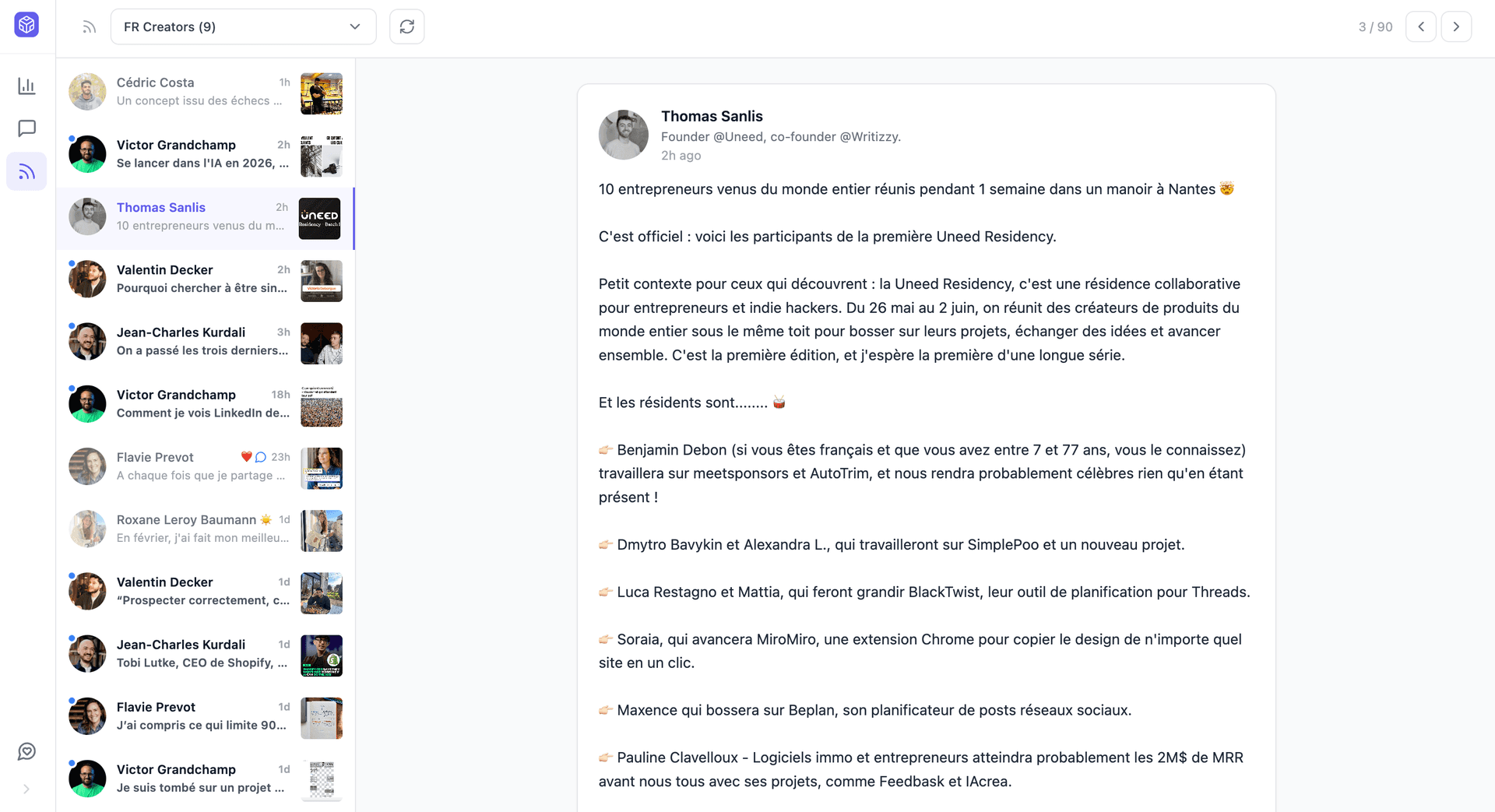
A typical day for a community manager
25 minutes daily. Full coverage across stakeholders.
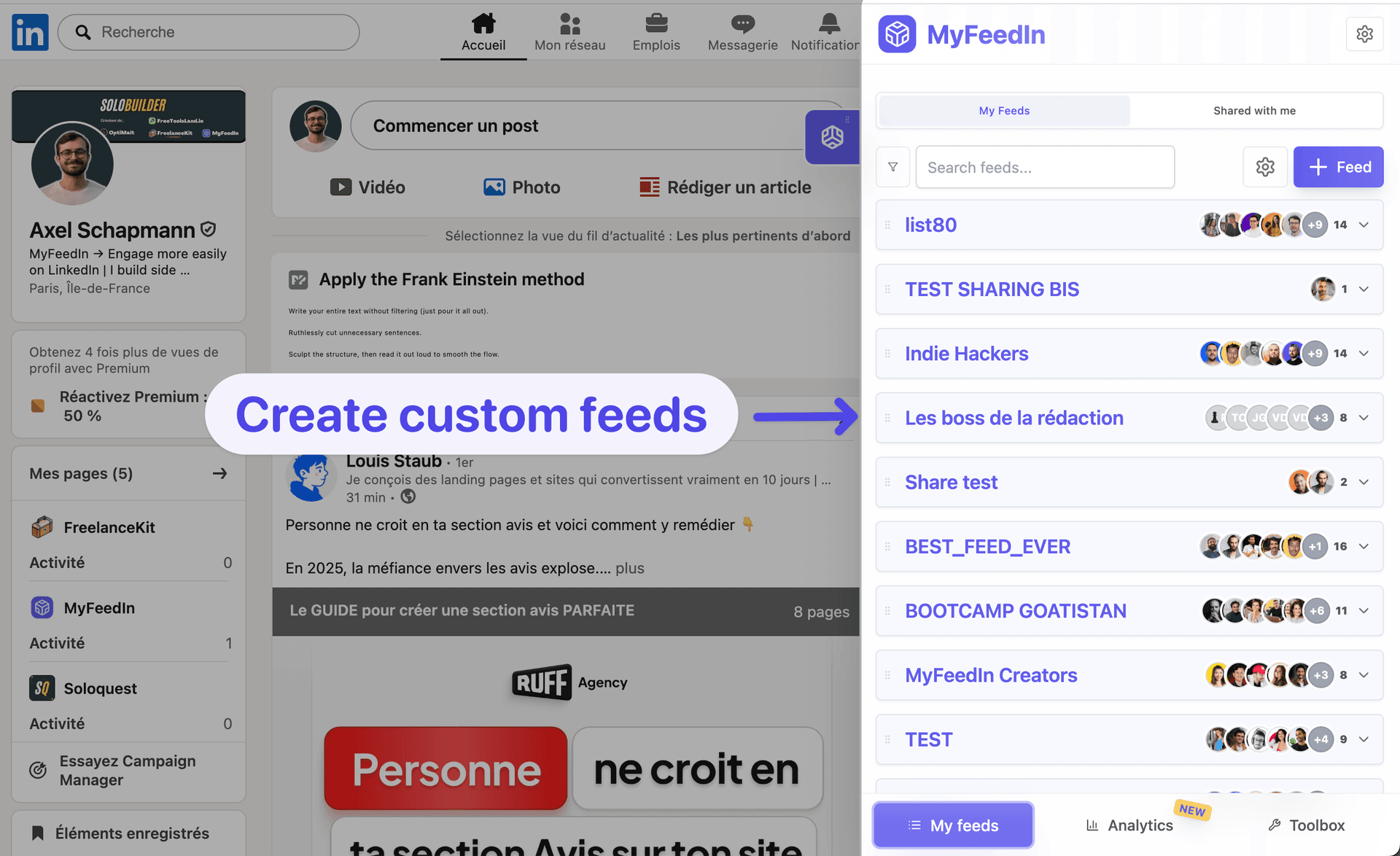
Customer feed
Active customers and brand advocates. Respond to mentions, surface positive sentiment to the team.
Industry voices feed
Influencers and analysts in your space. Engage with relevant takes, share with your team.
Brand monitor feed
Mentions, competitor activity, and PR-adjacent posts. Flag anything time-sensitive.
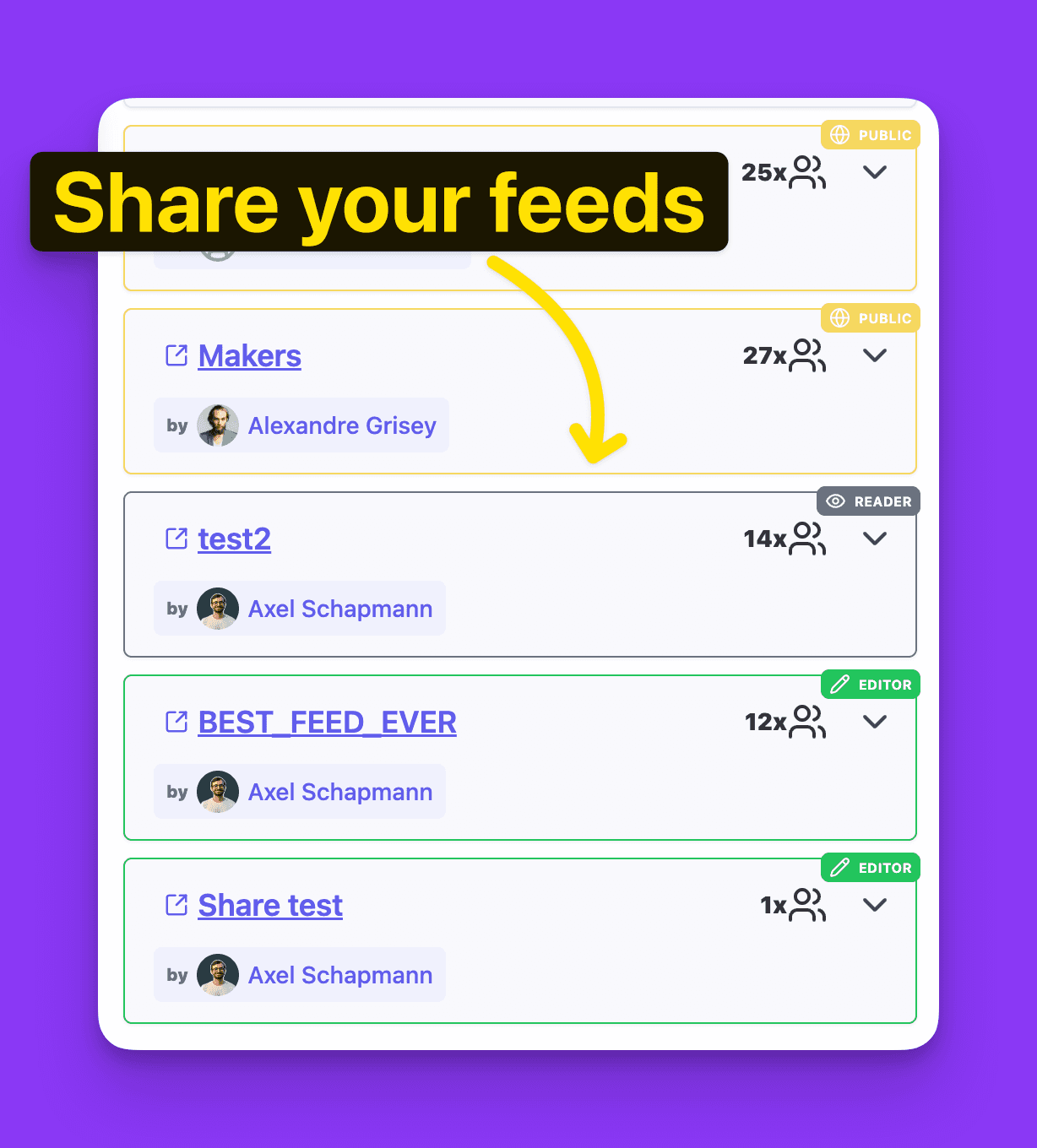
Team feed
What your colleagues are sharing. Coordinate, amplify, avoid duplicates.
The result
Engagement coverage went from 'whoever was online' to systematic. Customer mentions caught within 1 hour, 3x faster PR opportunity detection.
Free tools for community managers
LinkedIn Recommendation Generator
Write warm, specific LinkedIn recommendations in seconds
LinkedIn Post Grader
Score any LinkedIn post 0-100 and see exactly what to fix
LinkedIn Headline Generator
Generate compelling headlines that attract opportunities
LinkedIn Post Beautifier
Transform LinkedIn posts into beautiful, customizable images
Loved by LinkedIn creators
Founders, ghostwriters, and creators use MyFeedIn every day. Here is what they say.
 Bastien Velitchkine
MyFeedIn has made LinkedIn orders of magnitude more enjoyable. It's also allowed me to engage with the content that really matters, and spark worthwhile conversations. Business-wise, it's a no-brainer.
 Elodie Hughes
The time MyFeedIn saves me is just insane! Beyond being a tool I use every day, I recommend it because a lot of my clients have adopted it too!
 Alexandre Grisey
MyFeedIn helps me having a better LinkedIn feed and avoid useless distraction. It makes it easier to engage with the right people and saves me a lot of time!
 Maxime Lemaire
Great app! I use it like a social CRM, super handy for engaging only with my dream clients!
 Emmy Perez
An extension that changed how I use LinkedIn! So handy, simple, and effective. A well-designed gem for saving time!
 Ines Cointement
Excellent extension that keeps improving over time with more and more helpful features!
Bastien VelitchkineMyFeedIn has made LinkedIn orders of magnitude more enjoyable. It's also allowed me to engage with the content that really matters, and spark worthwhile conversations. Business-wise, it's a no-brainer.
Elodie HughesThe time MyFeedIn saves me is just insane! Beyond being a tool I use every day, I recommend it because a lot of my clients have adopted it too!
Alexandre GriseyMyFeedIn helps me having a better LinkedIn feed and avoid useless distraction. It makes it easier to engage with the right people and saves me a lot of time!
Maxime LemaireGreat app! I use it like a social CRM, super handy for engaging only with my dream clients!
Emmy PerezAn extension that changed how I use LinkedIn! So handy, simple, and effective. A well-designed gem for saving time!
Ines CointementExcellent extension that keeps improving over time with more and more helpful features!
 Camille Vingere
Total banger, it saves a crazy amount of time instead of scrolling endlessly on LinkedIn. And the product is clean and beautiful as a bonus.
 Adeline Lory
Super handy! I use MyFeedIn to make my LinkedIn monitoring easier and to organize my commenting strategy. Visibility matters a lot, and this helps me grow my network.
 Prisca Randriamihamina
MyFeedIn erased my LinkedIn mental load. Now I scroll smartly on my computer, and it's a completely different experience.
 Mai Anh Phi
A very, very useful extension that saves me time networking and helps me stay focused on my LinkedIn goals. Highly recommend!
 Paul-Olivier Rey
I've been using MyFeedIn intensively for 3 months. GOOOLD product, highly recommend!
 Alessio Fancello
The simplest and most effective extension for building custom lists on LinkedIn. Paired with the feed blocker, it lets you focus on the profiles you're really targeting.
Camille VingereTotal banger, it saves a crazy amount of time instead of scrolling endlessly on LinkedIn. And the product is clean and beautiful as a bonus.
Adeline LorySuper handy! I use MyFeedIn to make my LinkedIn monitoring easier and to organize my commenting strategy. Visibility matters a lot, and this helps me grow my network.
Prisca RandriamihaminaMyFeedIn erased my LinkedIn mental load. Now I scroll smartly on my computer, and it's a completely different experience.
Mai Anh PhiA very, very useful extension that saves me time networking and helps me stay focused on my LinkedIn goals. Highly recommend!
Paul-Olivier ReyI've been using MyFeedIn intensively for 3 months. GOOOLD product, highly recommend!
Alessio FancelloThe simplest and most effective extension for building custom lists on LinkedIn. Paired with the feed blocker, it lets you focus on the profiles you're really targeting.
Ready to save time on LinkedIn?
Try it free for 7 days, no credit card required. Cancel anytime.
Starter
Solo creators building presence on LinkedIn
Your posts
- Write, schedule and publish
- Track your post and comment analytics
Your network
- Unlimited custom feeds
- Save people, take notes, build your pipeline
7-day free trial · No credit card required
Growth
Founders & teams who post and prospect every week
Outreach
- 30 invitations or messages a day
- Multi-step sequences
- Steal prospects from competitors' posts
Cancel anytime
We've got something for you.
Lifetime Deal
Pay once, use forever.
- All Starter features included
- Outreach campaigns not included
Frequently asked questions
Can't find the answer you're looking for? Send us a message and we'll help you out.