
New
Save LinkedIn posts into Bookmarks
Save LinkedIn posts from the extension and keep them in your own lists.
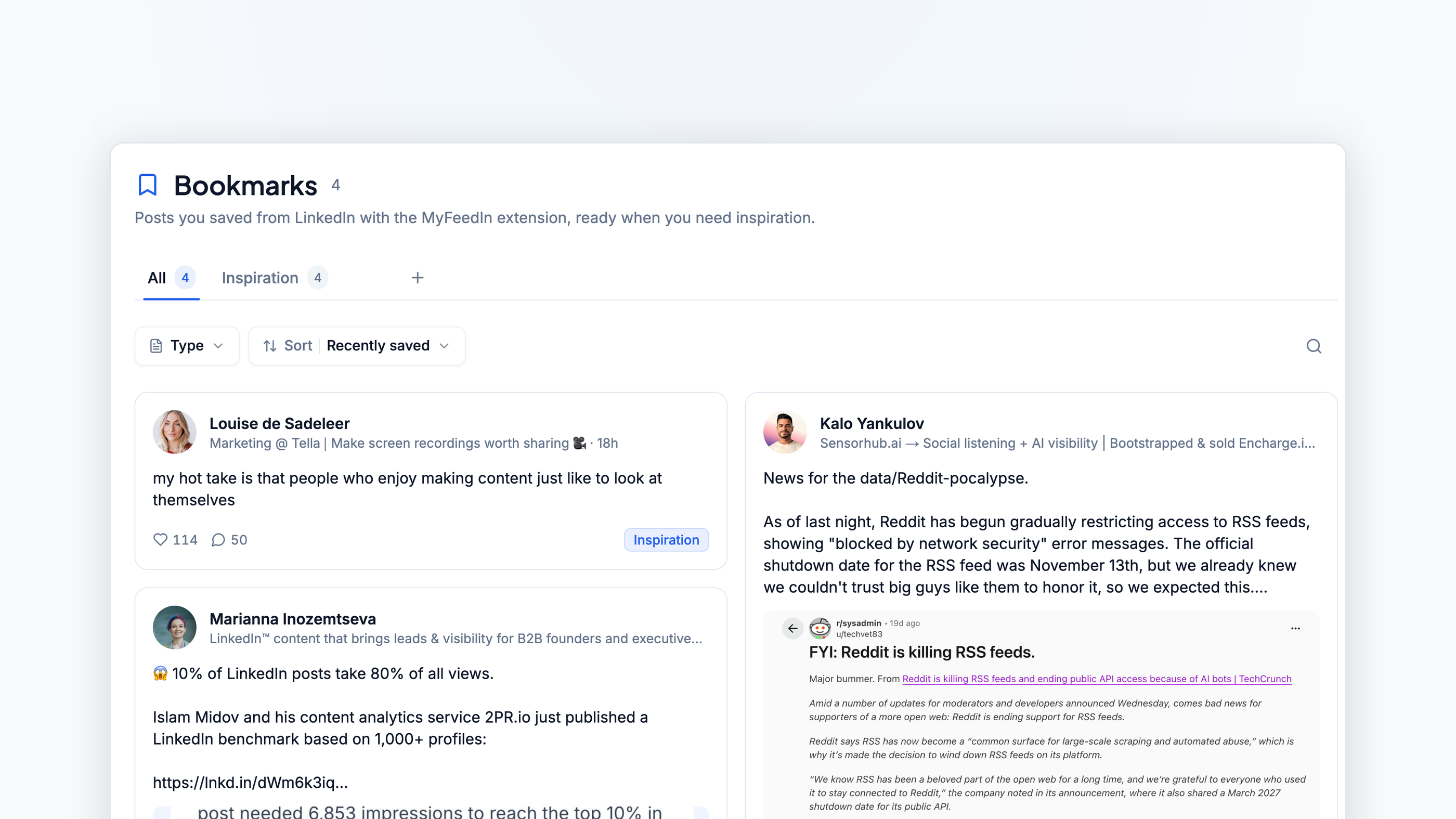
LinkedIn's saved posts aren't great: everything goes into one long list, with no folders and no search. The post you saved last month is hard to find again.
You can now save LinkedIn posts in MyFeedIn instead, and sort them into lists.
To save a post, use the MyFeedIn extension on LinkedIn:
- click the bookmark icon on the right of the post,
- or open the post's … menu and choose Bookmark post.
Pick a list, and the post appears on your Bookmarks page in MyFeedIn.
More updates
View all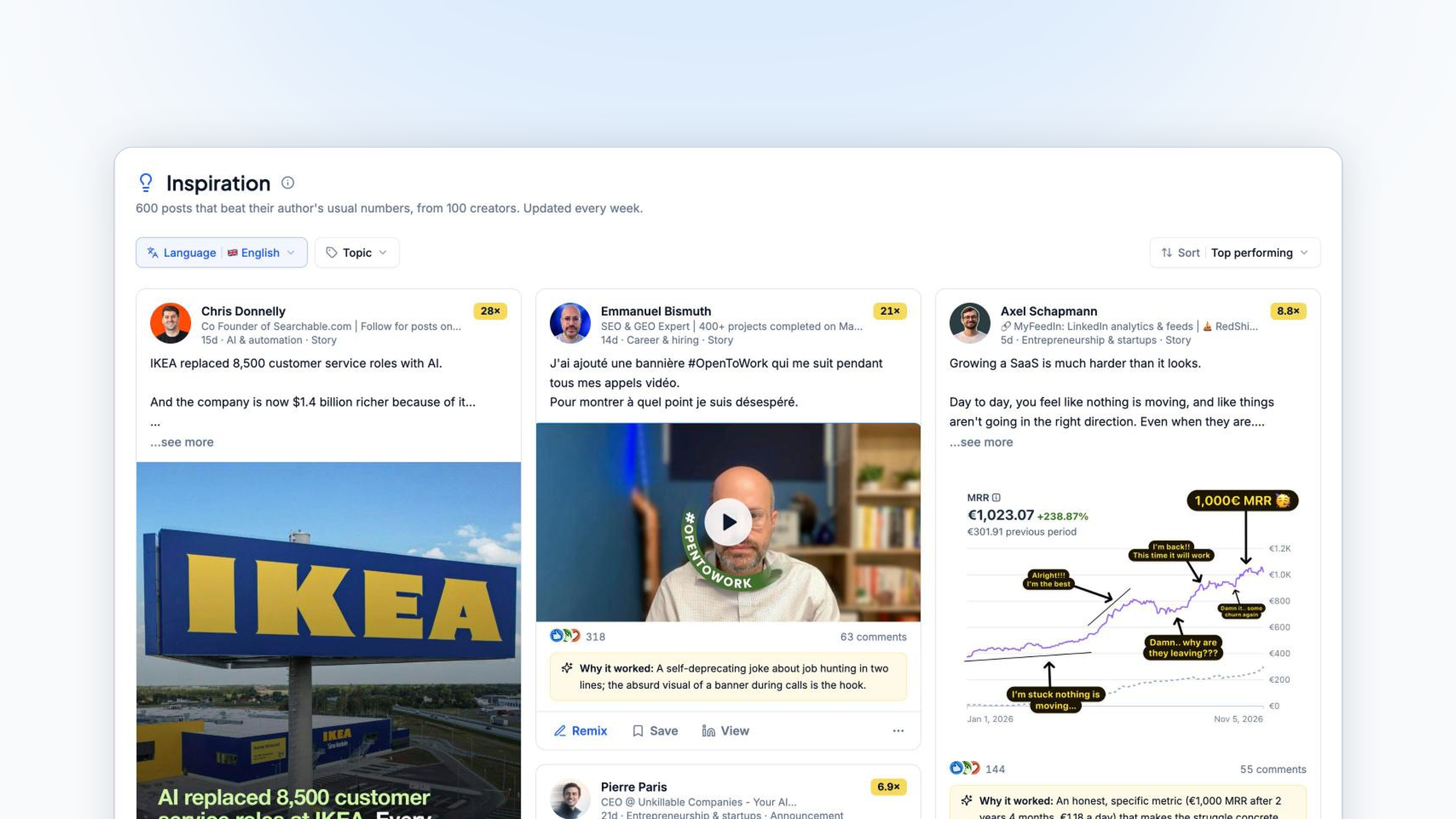
New
Find what to write with Inspiration
A new page with LinkedIn posts that beat their author's usual numbers, to find what to write next.
Improved
Analytics that show you what works
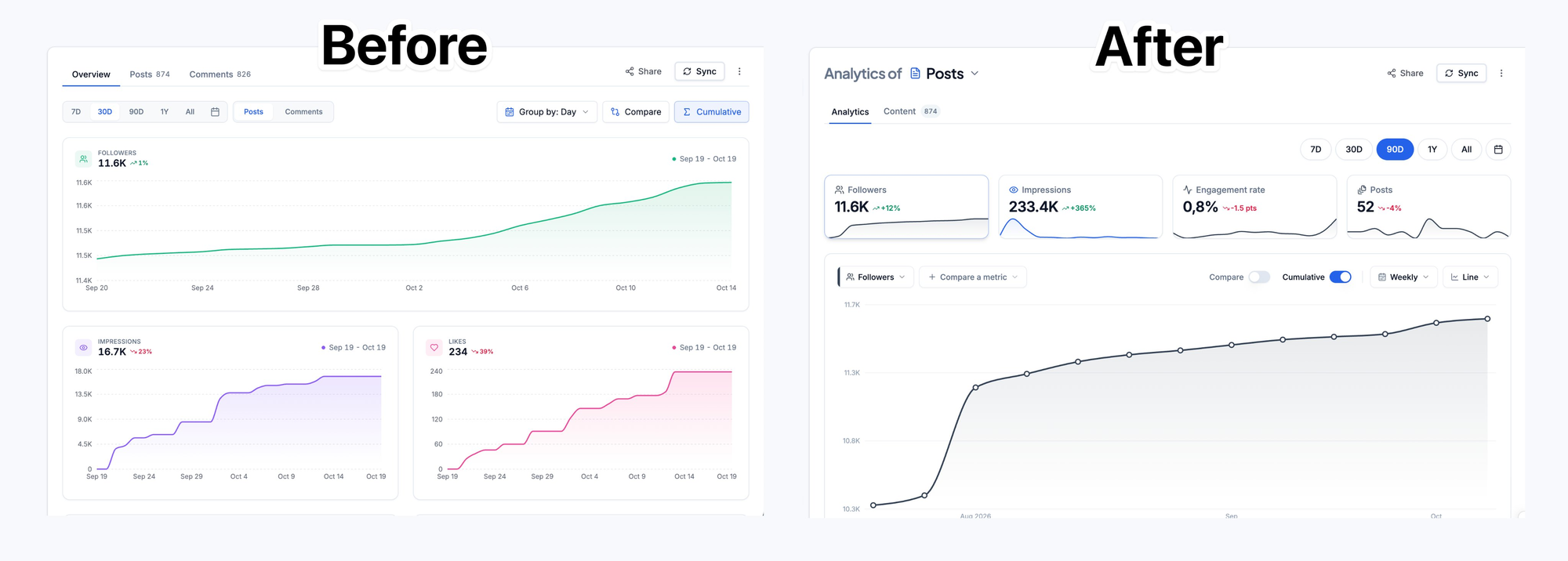
Less to read, more to learn: the Analytics page now points you to the posts, formats and moments that grow your audience.
Improved
MyFeedIn has a new logo
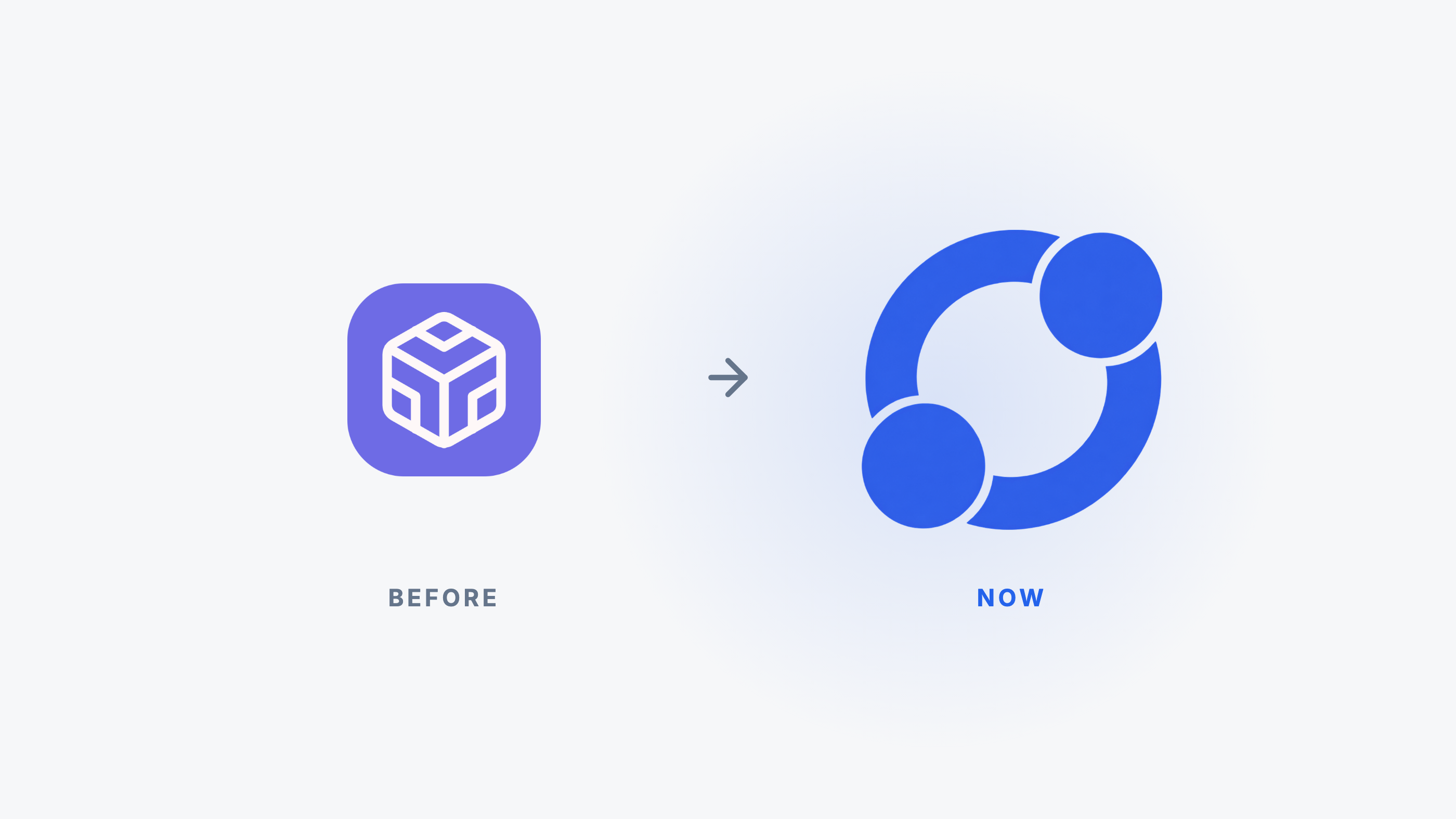
After more than two years, MyFeedIn gets a real logo, built around your network.