
Schedule your LinkedIn posts from MyFeedIn
Write your LinkedIn posts, plan them on a calendar, and let MyFeedIn publish them for you. Now in beta.
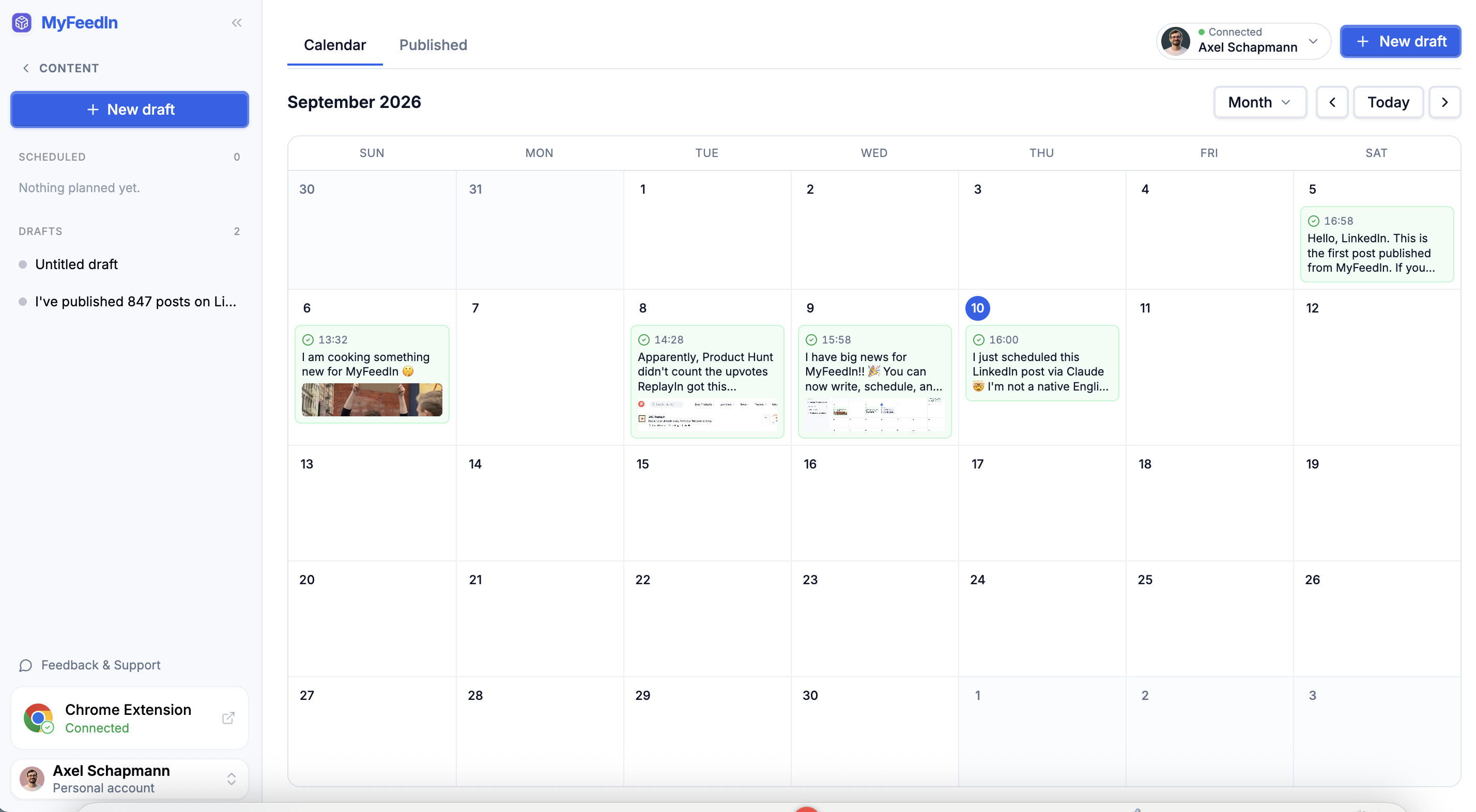
You can now write, schedule and publish your LinkedIn posts without leaving MyFeedIn.
Open Schedule in the sidebar. You get a calendar of everything you plan to post:
- Click an empty slot to start a draft, or drag a post to another day to move it
- Switch between a week and a month view
- Add images, a PDF carousel or a video, plus a first comment that goes out a couple of minutes after your post
- Pick a time, or publish right away
Scheduled posts go live within a few minutes of their slot. Once they are out, the Published tab lists them with their impressions, likes, comments and reposts as the stats come in.
Drafts are free for everyone. To schedule and publish, connect your LinkedIn account in Connected apps, on a paid plan or during your trial.
Schedule is still in beta, so tell us what feels off from Feedback & Support in the sidebar.
More updates
View all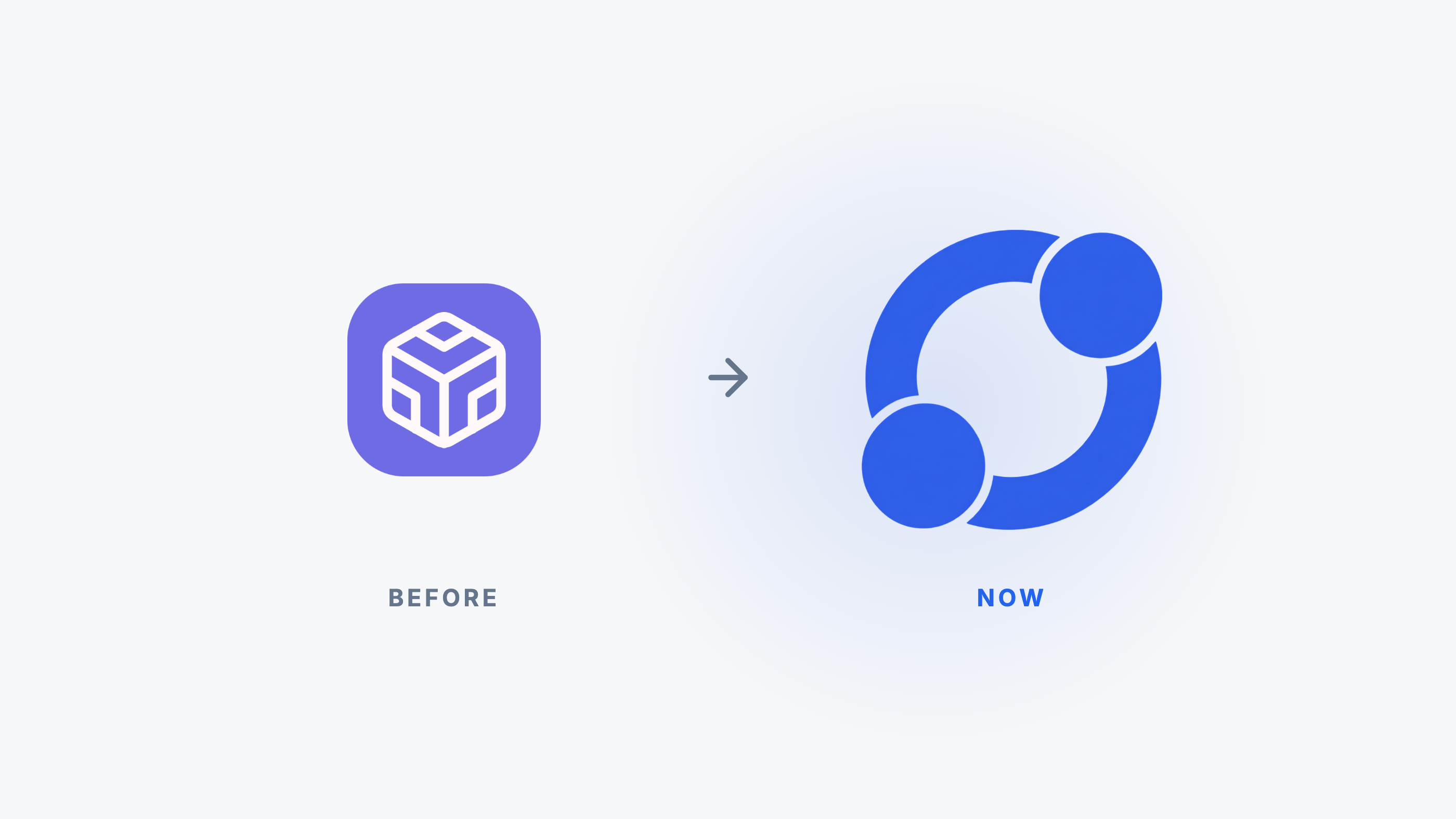
MyFeedIn has a new logo
After more than two years, MyFeedIn gets a real logo, built around your network.
Connect Claude or ChatGPT to get post ideas from your history
Connect your AI assistant to MyFeedIn and ask it for post ideas grounded in your own LinkedIn posts and comments.
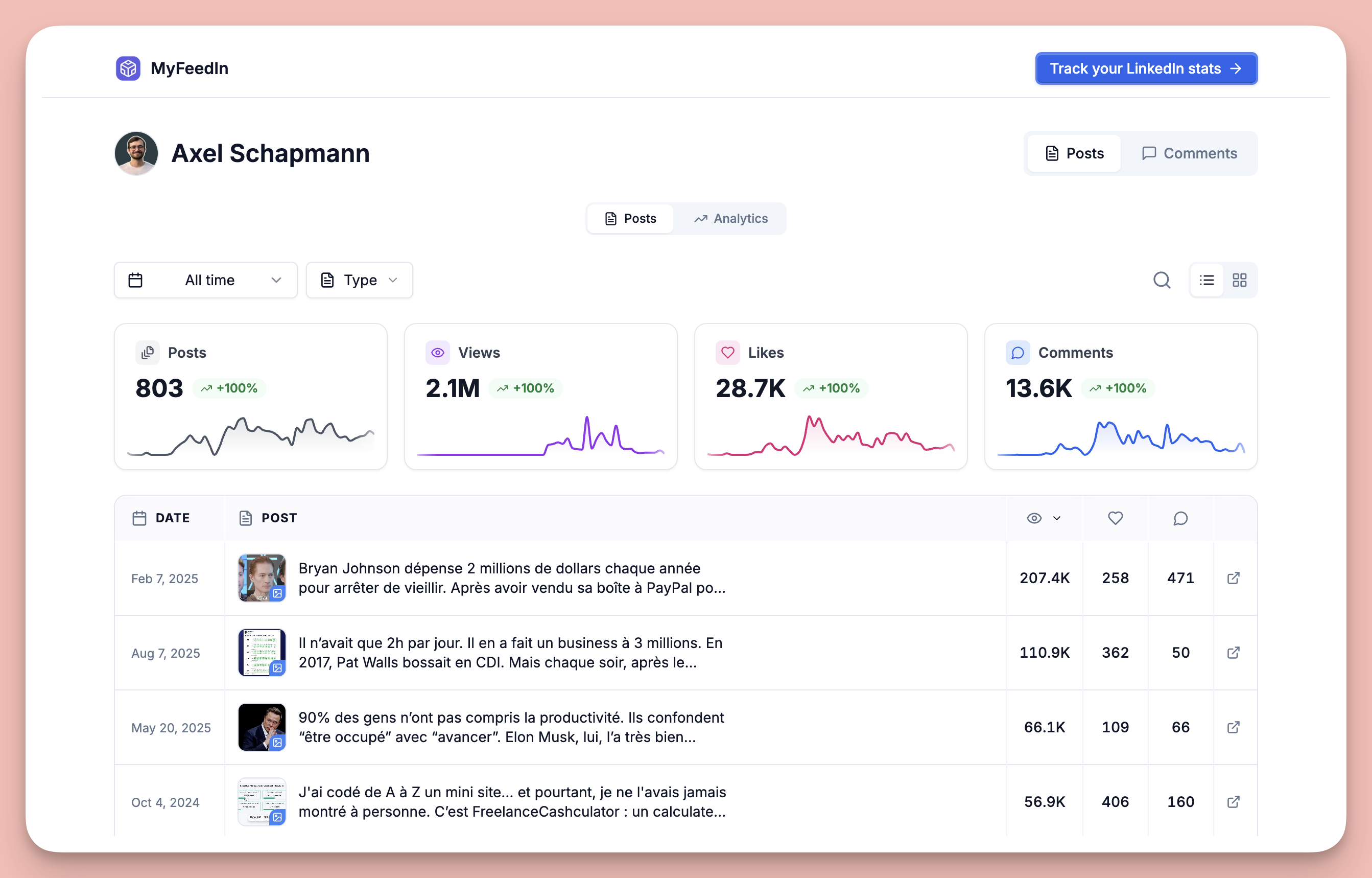
Share your LinkedIn stats with a public link
Turn on a public link to your posts and comments analytics that anyone can open, no login needed.