
Share your LinkedIn stats with a public link
Turn on a public link to your posts and comments analytics that anyone can open, no login needed.
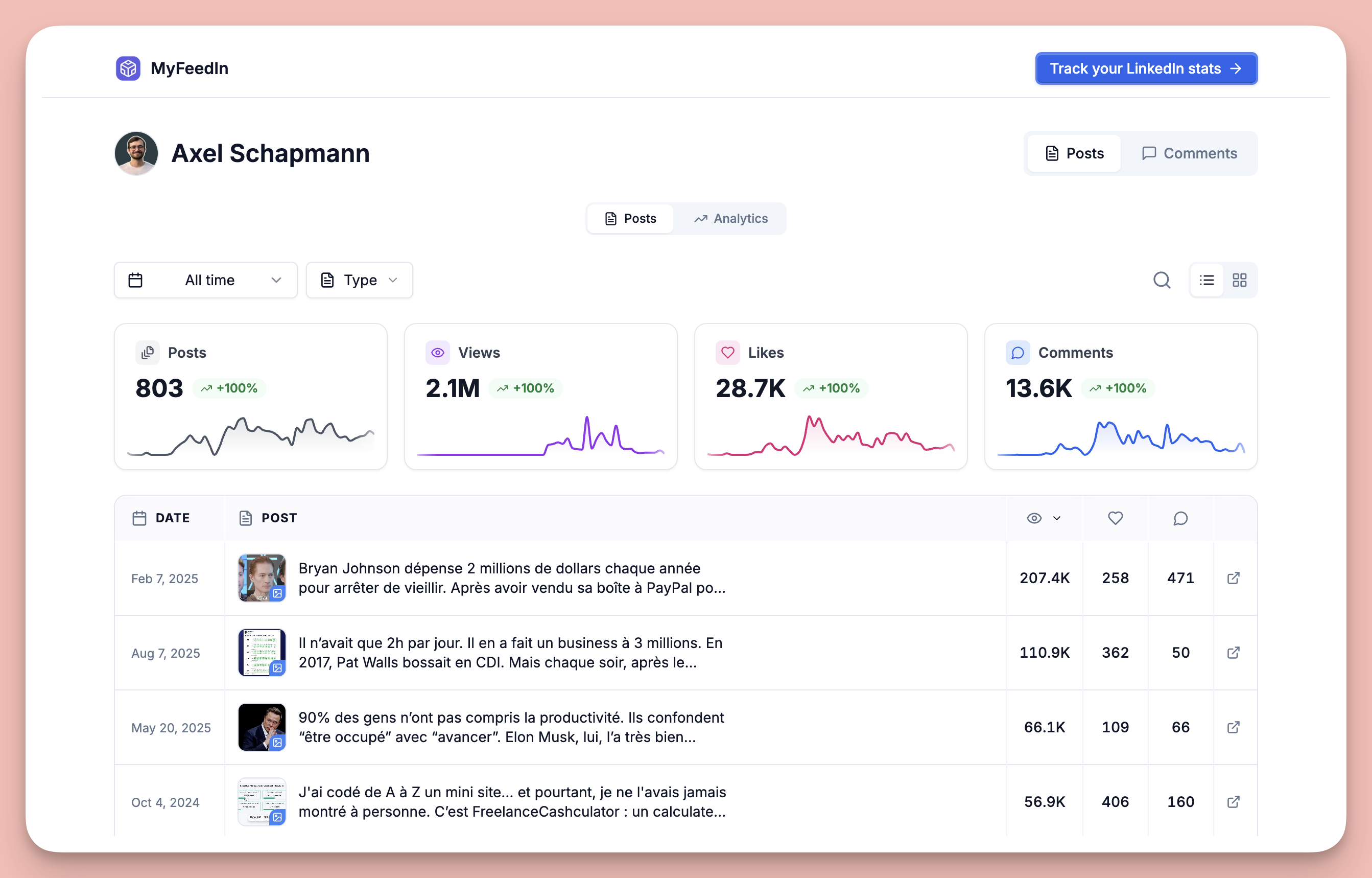
You can now share your LinkedIn analytics with a public link.
Open your Posts or Comments page, click Share, and turn on the public link. You get one link, and you choose what it shows:
- Posts, Comments, or both
- Read-only, so viewers can explore your KPIs and charts without changing anything
Anyone with the link can open it, including people who don't have a MyFeedIn account. The page shows your all-time numbers with a clean Posts and Comments switch.
Turn the link off whenever you want and it stops working right away. Useful for sharing your results with a client, a manager, or your audience.
More updates
View all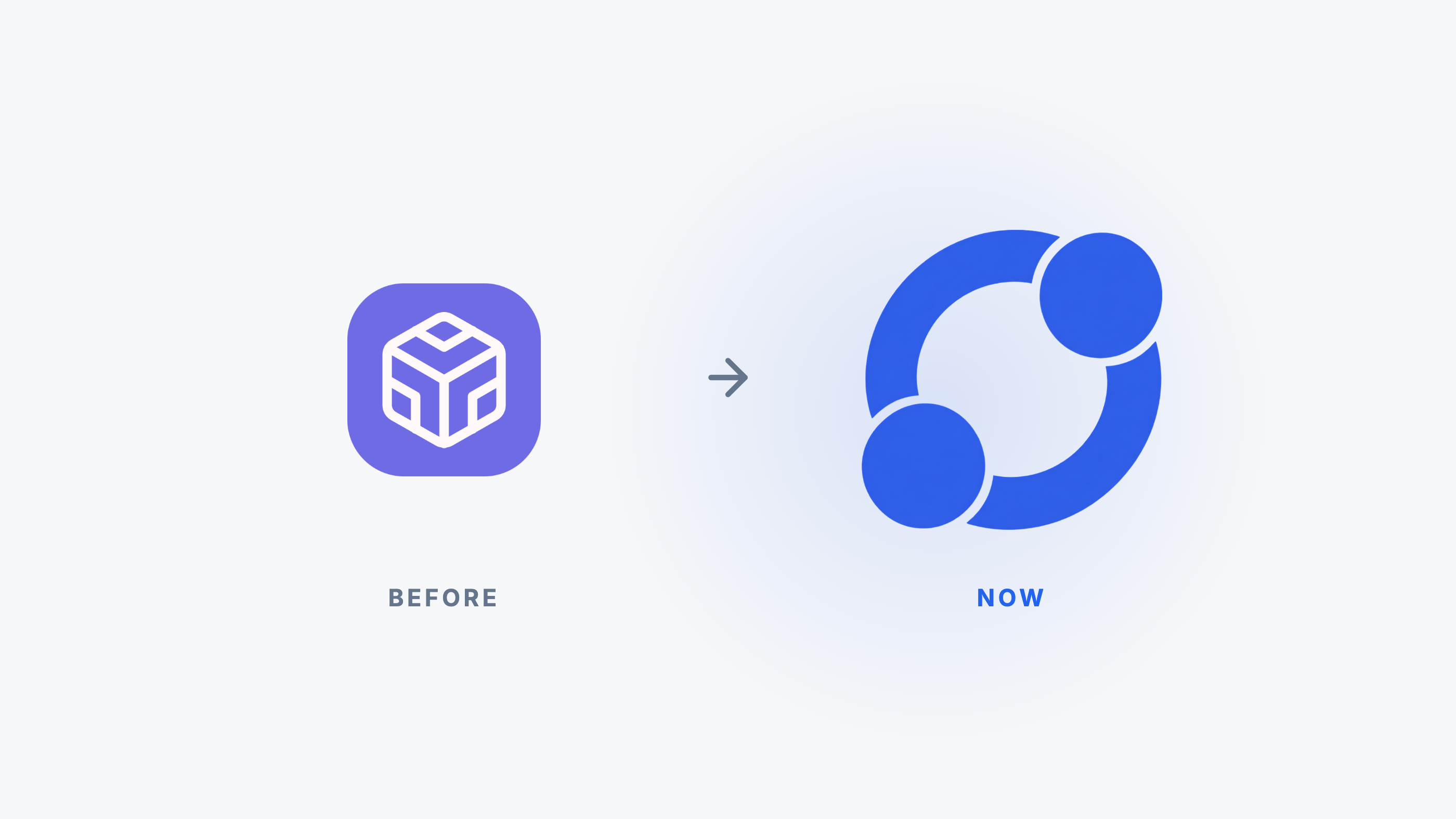
MyFeedIn has a new logo
After more than two years, MyFeedIn gets a real logo, built around your network.
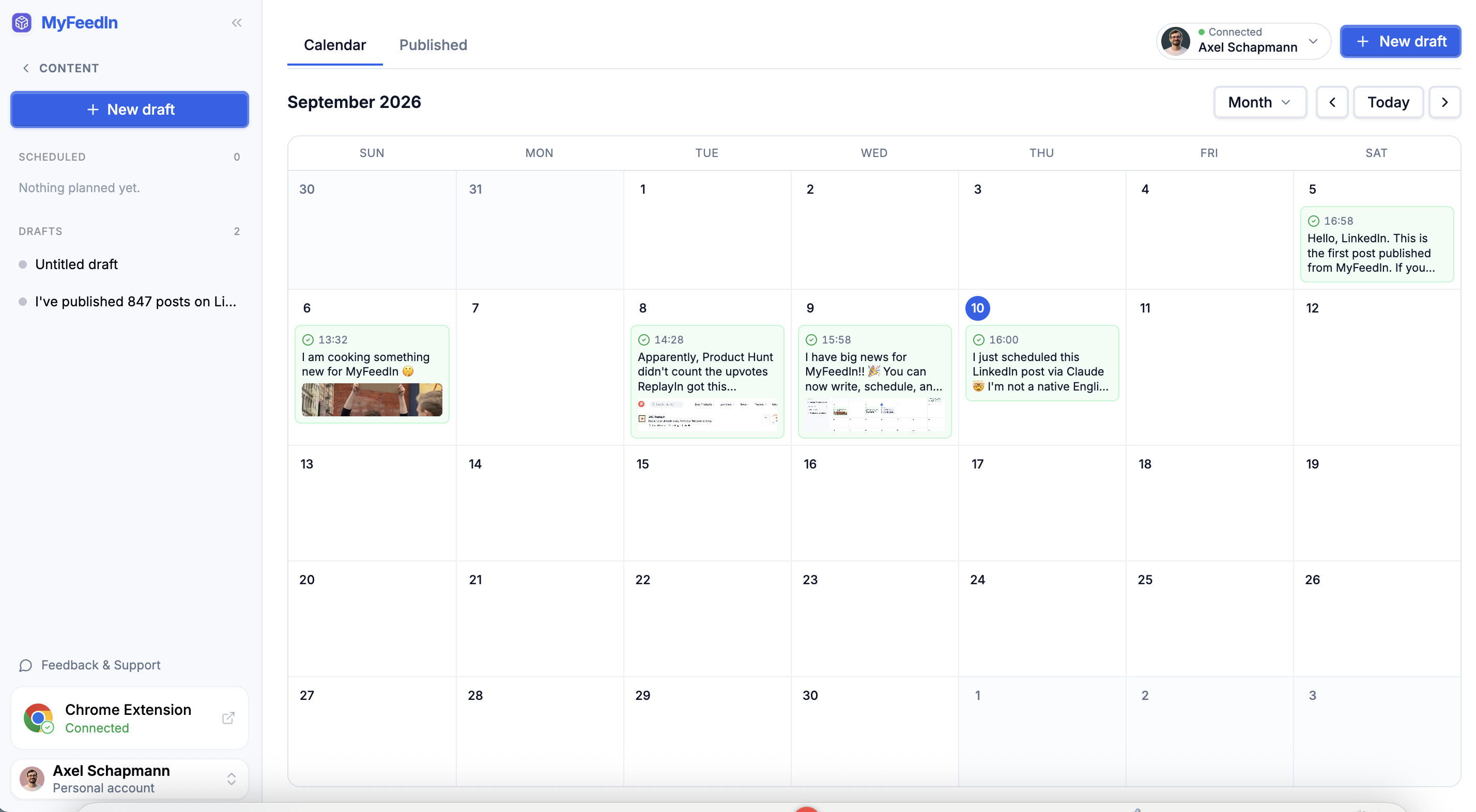
Schedule your LinkedIn posts from MyFeedIn
Write your LinkedIn posts, plan them on a calendar, and let MyFeedIn publish them for you. Now in beta.
Connect Claude or ChatGPT to get post ideas from your history
Connect your AI assistant to MyFeedIn and ask it for post ideas grounded in your own LinkedIn posts and comments.